
Website Studio
From the gym floor to the web.
Let people see the club through your coach’s eyes. Show your own images, a class that fits and a place for their first session.


is yours.Open day · Saturday
The brief
Everything you need is already there.
The team chat explains why you’re holding an open day. The timetable says when. The photograph shows who’ll be at the door. Open the pieces to see what each one contributes to the website.
Club Noord file / Club open day
The coach wants neighbours to recognise someone when they arrive. The first button invites them to join in. Just below it, visitors get to meet the team.
Everyone is welcome between ten and two. The invitation and the booking step both show the time, so visitors can decide at home whether it works for them.
The coach is right there with the members. That single photograph opens the site. On a phone, the coach and the movement both stay in the frame.
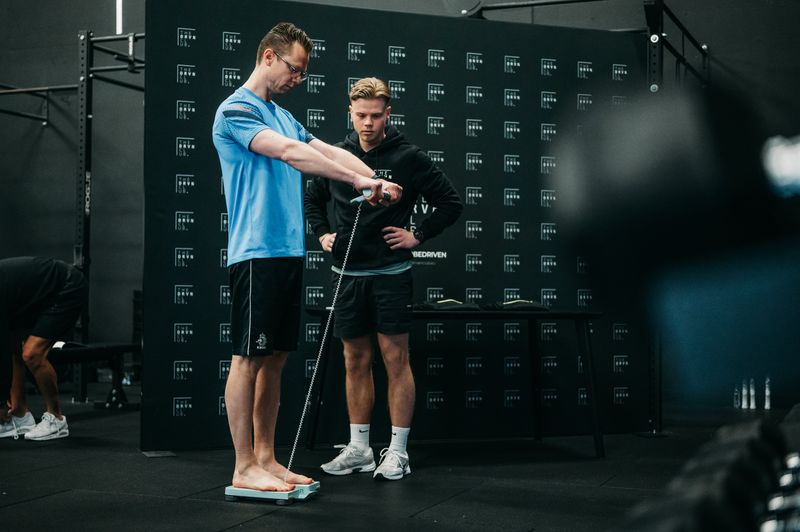
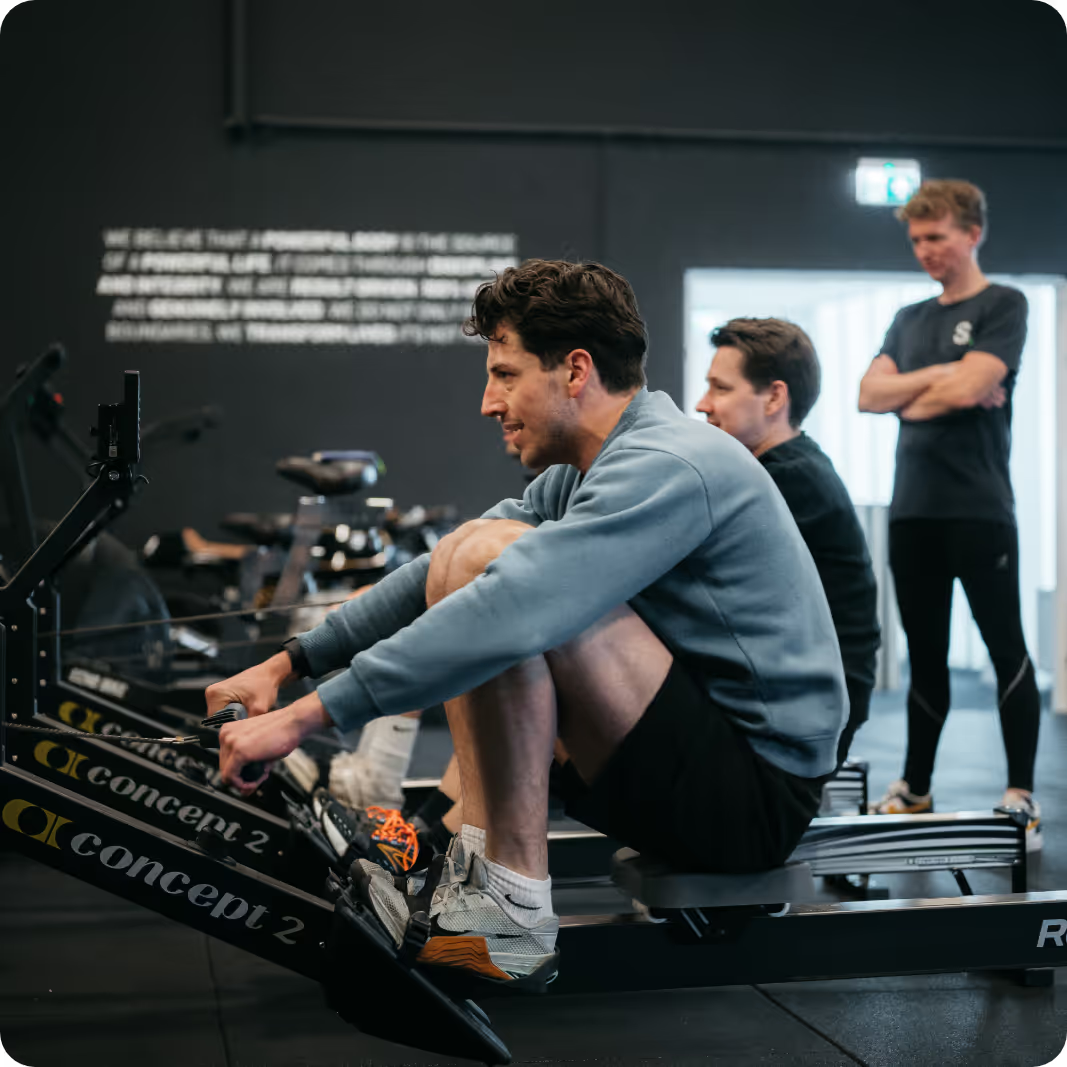
The coach on the floor
- 10.00
- Doors open
- 11.00
- Meet us on the floor
- 14.00
- Final round
“Show who’ll be at the door on Saturday. It makes it that much easier for someone coming on their own to walk in.”
The design studio
Three clubs.
Three front doors.
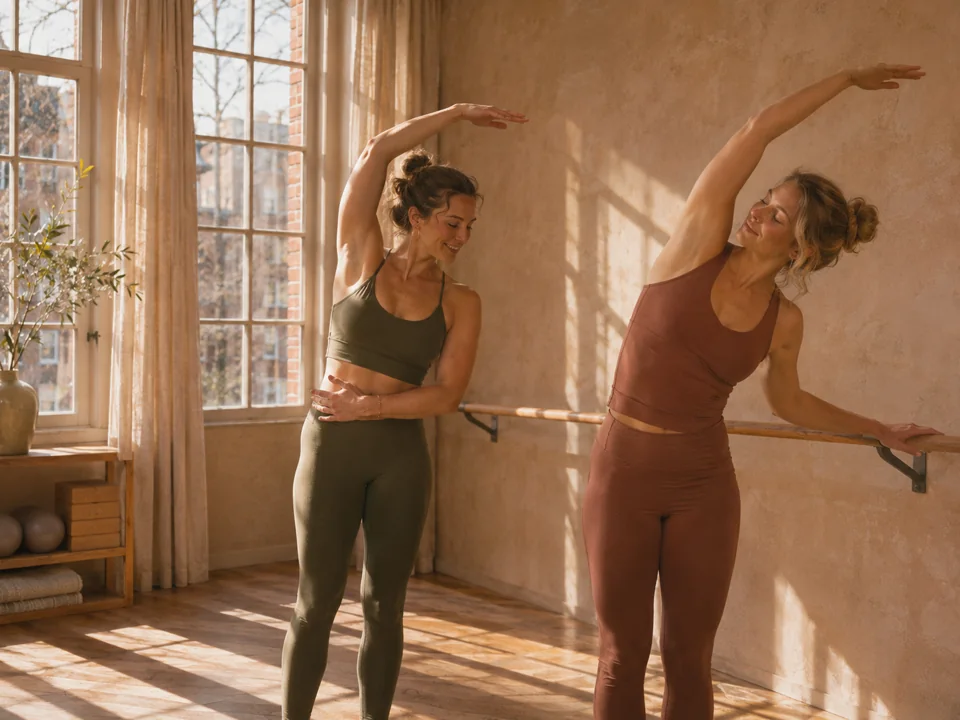
A strength club opens with energy. A movement studio leaves room to look around. Personal training begins with the person opposite you. Switch clubs to see how photography, words and layout change together.
is yours.Save your place
gently.Find your first class
first.Book your consultation
Design choice
Bold type, a busy training floor and an invitation in plain sight. A neighbour can decide there and then to drop by on Saturday.
The component library
What do your members come here to do?
The same questions come up at reception. Give each one a place on the website. Try the components and add the one you want to your design.
A new member wants a time that fits. Pick a day and open the class to see what to expect.
Add to my designOn the gym floor.
Get to know the barbell. Your coach will choose a weight that suits your experience.
Meet your coach.
Sam guides your first strength session and helps you choose a starting weight.
Where do you start?
Choose what you’d like to discuss with your coach.
The workspace
Your coach suggests. You sign off.
Take the club manager’s seat. Open the brief, follow the visitor’s journey and give your team feedback. See exactly what changes in the copy, images and components before you publish.
Club brief
What’s on the calendar?
One club can send three very different invitations. Pick what the team is working on.
- Goal
- Invite the neighbourhood
- Club voice
- Direct, warm and personal
Page structure
What would a visitor like to know first?
Follow the route from first impression to appointment. Select a section on the map to see what’s inside.
The visitor’s first impression and invitation from the club.
Design
Make the opening line your own.
Feedback from the coach
The coach wants neighbours to see at a glance which day they can come along.
Our doors open on Saturday.
Publish in the demo
You give the go-ahead.
Compare your headline with the current version. Publish your choice to the example site and see what a visitor would see.
- Current headline
- The floor is yours.
- Suggestion
- The floor is yours.
- Photo in the proposal
- Training on the gym floor
- Website component
- Home page
- Web address
- clubnoord.example
Use letters, numbers and, if needed, a hyphen.
Meet the coaches, look around and join us for a training round.
Example appointment confirmed
V1 · DraftClub Noord · Demo
After launch
How many clicks
become a trial?
The morning coach wants to know how many people actually confirm a place. Follow one week from page view to booking. Pick a measure to compare the days.
Turning insight into an edit
Five people open Friday’s form. Two book.
The numbers tell you where to look. The coach has an idea to try. Put Friday morning in the headline so visitors can tell sooner whether the class fits. See the two versions side by side.
Review the coach’s suggestionFor your club
Before you begin.
We already have a website. Where do we start?
Bring the page that prompts the most questions at reception. Together we’ll look at who visits it, what they should be able to do and which content you want to keep. For the pilot, we pick one specific component to edit.
Who decides which version visitors see?
The coach can suggest content. The club manager reviews the draft on desktop and mobile and approves it for publication. Try both roles in the workspace and restore an earlier version.
Where does our booking system fit in?
Your site can take people to the place where you already accept bookings. During the pilot we’ll review that journey and agree which integration or link you need. The appointment in this product demo is fictional.
Bring your website to the table
Which page would you change tomorrow?
A consultation page that prompts questions. A taster class that’s hard to find. Bring one page from your own club. In half an hour, you and Sebastian can follow a visitor from their first impression through to booking.
Bring this design Go straight to the calendarNOORD.The floor is yours.- Example club
- Club Noord
- Page
- Club open day
- Component